


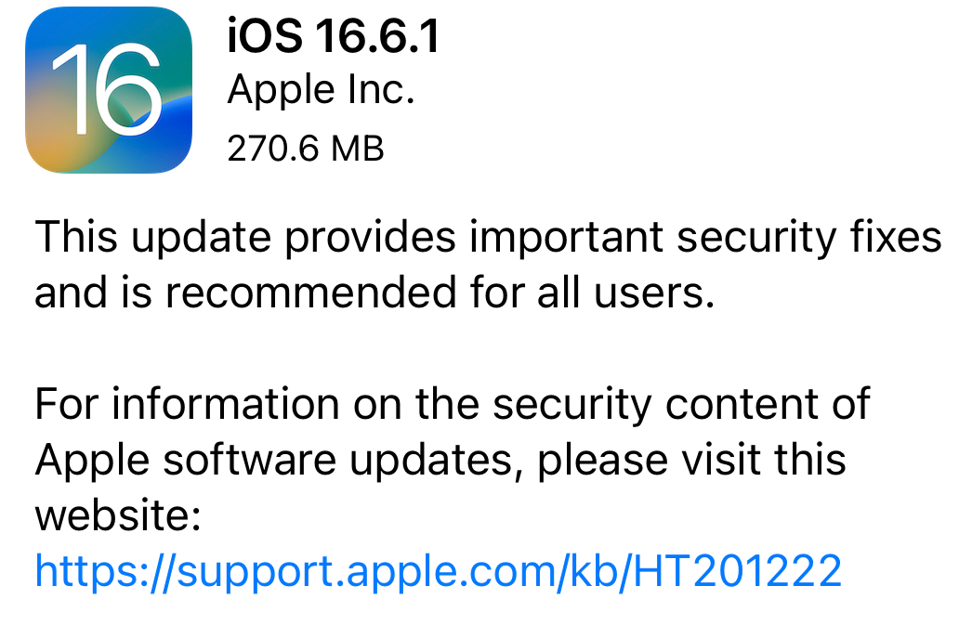
Apple has issued iOS 16.6.1, an emergency update for iPhones, to address two severe vulnerabilities that are already being exploited in real-world attacks. The company has not provided detailed information about the flaws to give users time to update before attackers can access the specifics.
The first flaw fixed in iOS 16.6.1 is related to ImageIO (CVE-2023-41064), which could enable an attacker to execute code using a maliciously crafted image. Apple noted that there were reports of this vulnerability being actively exploited.
The second security issue resolved in iOS 16.6.1 is a flaw in Apple’s Wallet (CVE-2023-41061), which could allow an attacker to execute code via a malicious attachment. Apple also mentioned reports of active exploitation of this issue.
Citizen Lab, a security outfit, identified that these vulnerabilities were exploited in real attacks to deliver NSO Group’s Pegasus spyware without any user interaction. The attack, known as “BLASTPASS,” could compromise iPhones running iOS 16.6 without requiring any action from the victim.
Citizen Lab’s findings indicate that these exploits are often used against individuals with high threat models, such as those in the public eye, government workers, individuals targeted by nation-state actors, and journalists. The attacker can send the attack through iMessage without the victim’s involvement.
While some might wonder why iOS 16.6.1 wasn’t released as a Rapid Security Response Update, it appears Apple deemed these fixes too critical to wait for the upcoming iOS 17 release. Rapid Security Response Updates aim to deliver security-only patches promptly, but previous issues have led to retractions due to unintended consequences.
Given the severity of these vulnerabilities and the potential for widespread exploitation, users are strongly advised to update their devices to iOS 16.6.1 as soon as possible. Keep in mind that the update may need to be applied manually, even if automatic updates are enabled, as Apple’s updates are rolled out gradually.
To update your device to iOS 16.6.1, go to Settings > General > Software Update on your iPhone or iPad and download and install the update as soon as it becomes available.
These vulnerabilities highlight the importance of keeping your devices up to date to protect against potential security threats.